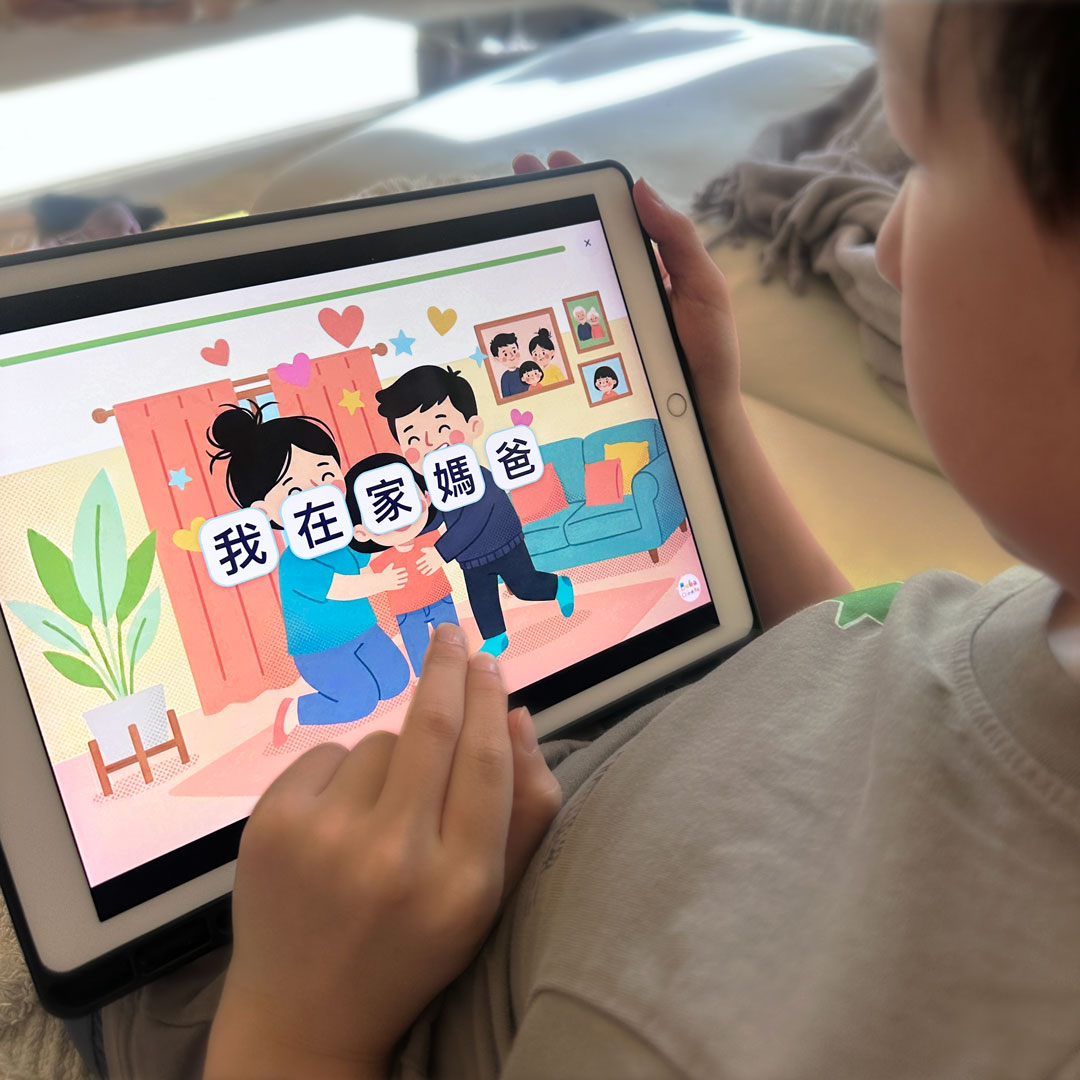
We all have a website that we use all the time, sometimes every day! Yet, every single time, we follow the same process: unlock the phone, open the browser, and search through the open tabs. And you think, I wish I knew how to add a website to my iPhone as an app. Well, here’s an iPhone hack to save you time! Just save it to your home screen like any other app.
How to do it in 3 easy steps
- Open the website on your phone. Click on the three dots next to the website address, then click SHARE.


- Click on VIEW MORE, then select ADD TO HOME SCREEN.


- Make sure to select Open as Webb App, then click on ADD.


That is it. The icon will show up on your screen just like a regular app. Now, you can just tap that icon and jump straight into the lesson without the hassle. It is a simple way to make those great resources actually stick, rather than just getting lost in the shuffle of your daily life.
What is one site you have been meaning to save for the kids?